
GSAP学习
2025-12-11
GSAP学习
简单来说,GSAP是一个动画库,实用性很高,一字帅,接下来开始学习
基本使用
创建动画
先给box来个动画:
gsap.to(".box", { x: 200 })
这个动画叫tween,大意是让gsap把带有.box类名的元素移动到x为200的位置(和transfrom:translateX(200px)差不多)
Tween其实是一种动画的类型,中文一般翻译叫做补间动画,就是我们常见的两个状态之间的变化的动画方式,中间的变化过程都是计算机计算出来的,比如我们常见的匀速、缓入缓出动画就是Tween类型的动画。
先来个demo:
<!DOCTYPE html>
<html lang="en">
<head>
  <meta charset="UTF-8">
  <title>GSAP 动画示例</title>
  <style>
    body {
      display: flex;
      align-items: center;
      justify-content: flex-start;
      min-height: 100vh;
      margin: 0;
      overflow: hidden;
      background-color: black;
    }

    .box {
      width: 100px;
      height: 100px;
      display: block;
      border-radius: 10px;
      background-color: #53f863;
    }
  </style>
</head>
<body>

  <div class="box green"></div>

  <!-- 引入 GSAP 动画库 -->
  <script src="https://cdnjs.cloudflare.com/ajax/libs/gsap/3.12.2/gsap.min.js"></script>
  <script>
    gsap.to(".box", {
      x: 200,
    });
  </script>
</body>
</html>
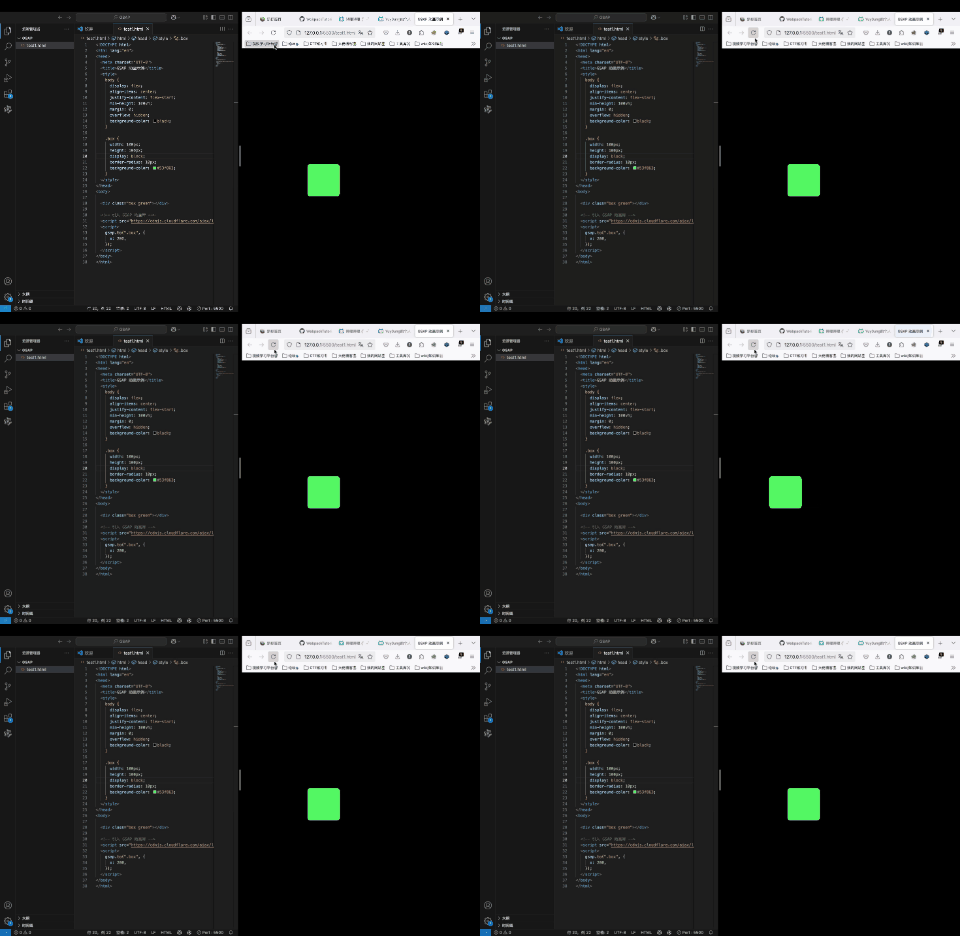
可以看看效果:
接下来仔细分析这个语法:
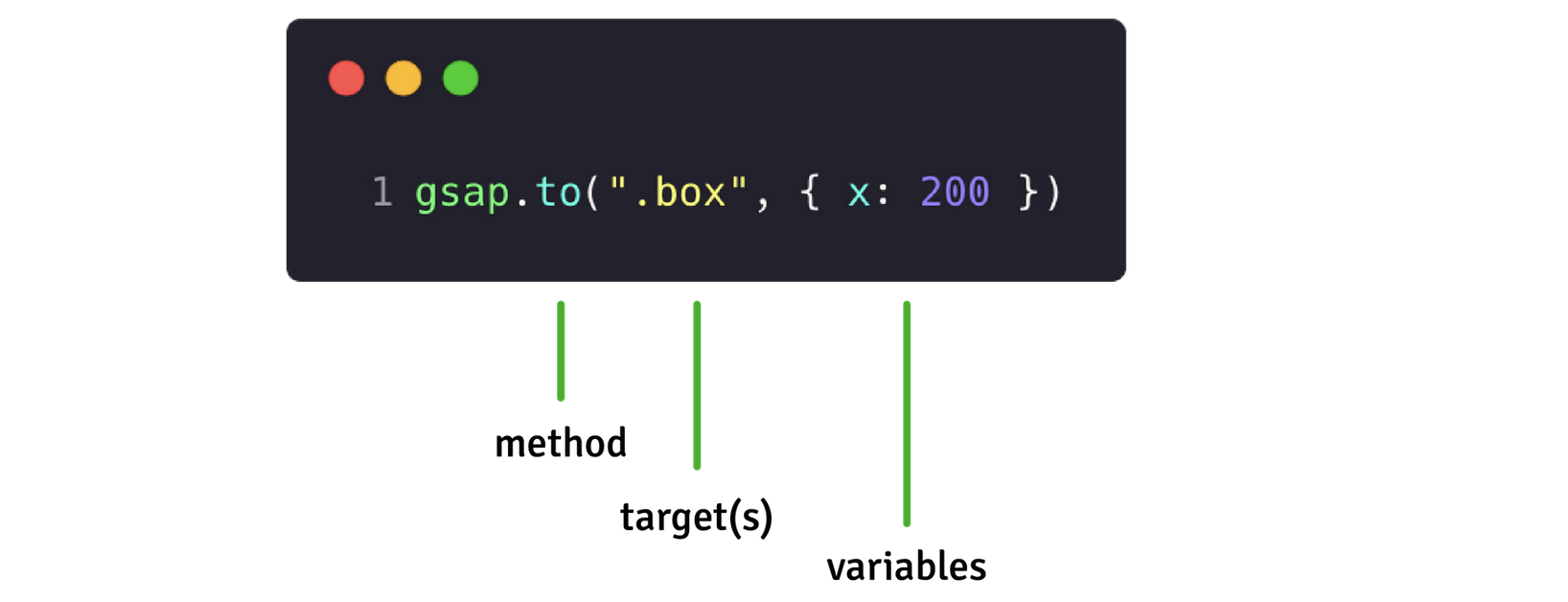
这个代码中有三个东西:
- 方法method
- 目标target
- 对象数据variables
接下来详细看看这个三个部分
动画方法method
tween的动画方式有4种:
gsap.to()最常见的动画,从初始状态变化到目标状态gsap.from()反过来,从目标状态变为初始状态grap.fromTo()自定义两个状态,从前一个变到后一个gsap.set()直接变为目标状态,没有任何过渡动画
可以写demo体验一下:
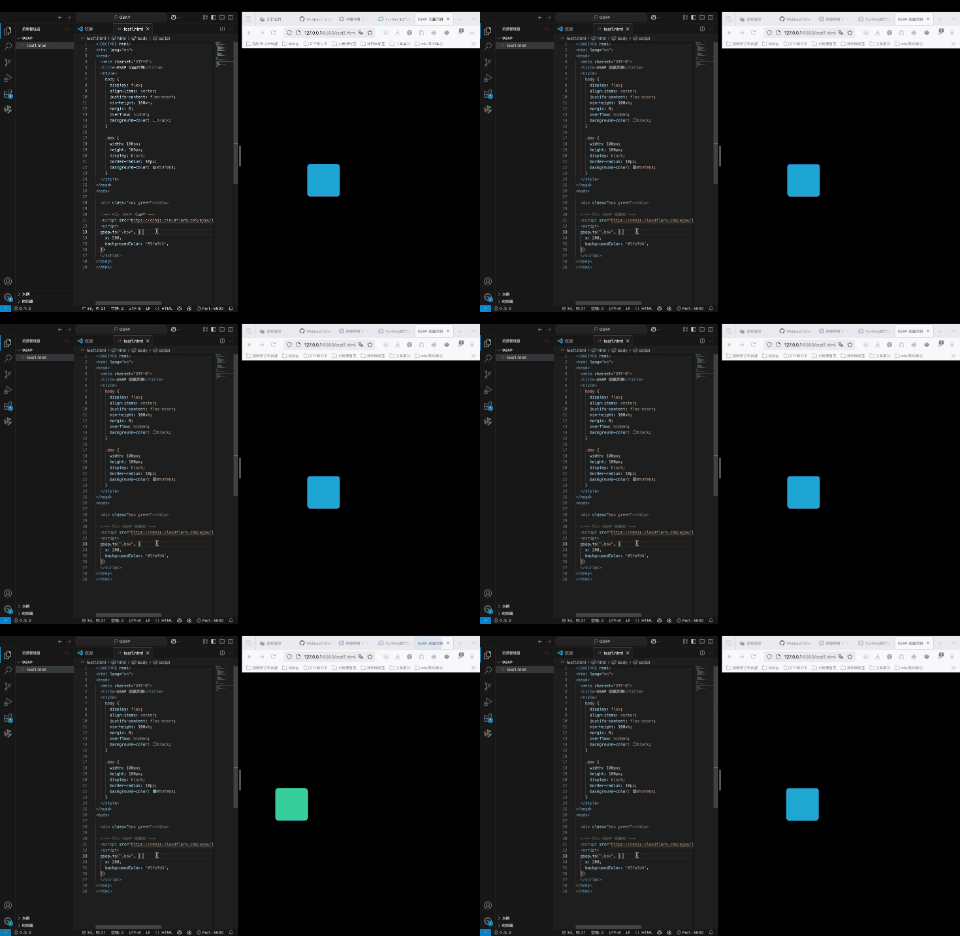
gsap.to
gsap.to(".box", {
  x: 200,
  backgroundColor: '#1fa7d4',
});
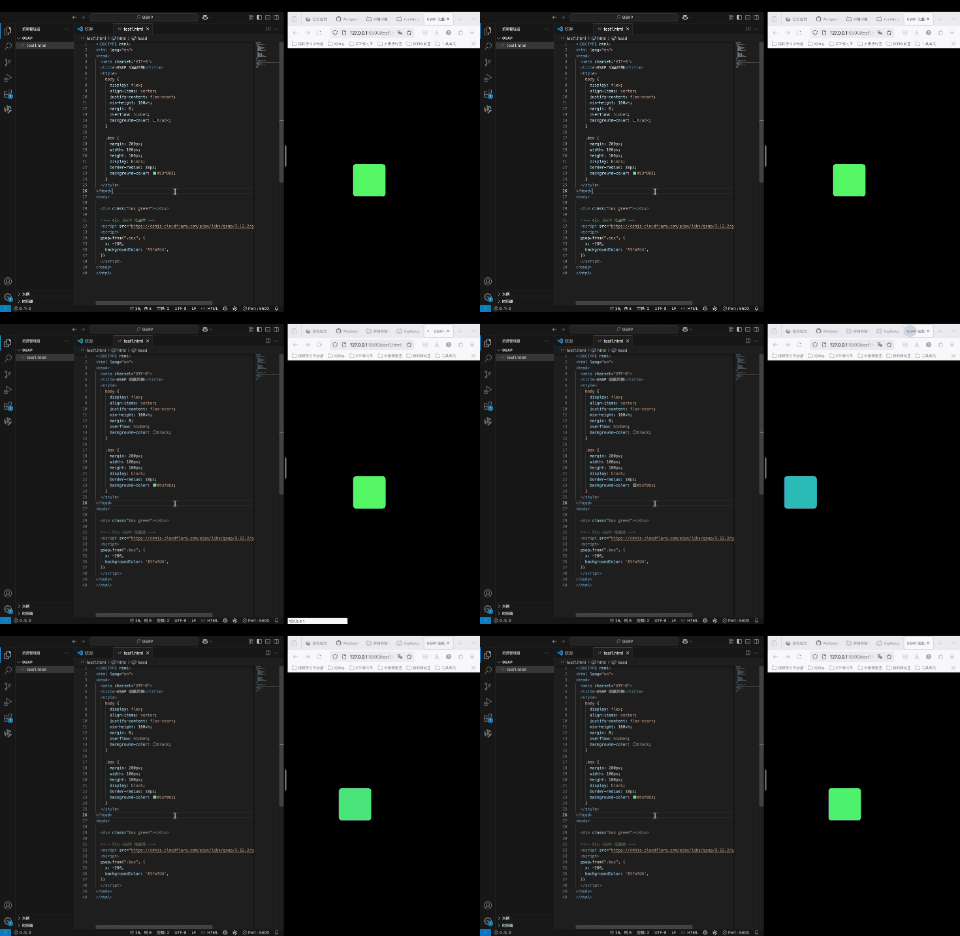
gasp.from
gsap.from(".box", {
  x: -200,
  backgroundColor: '#1fa7d4',
});
gsap.fromTo
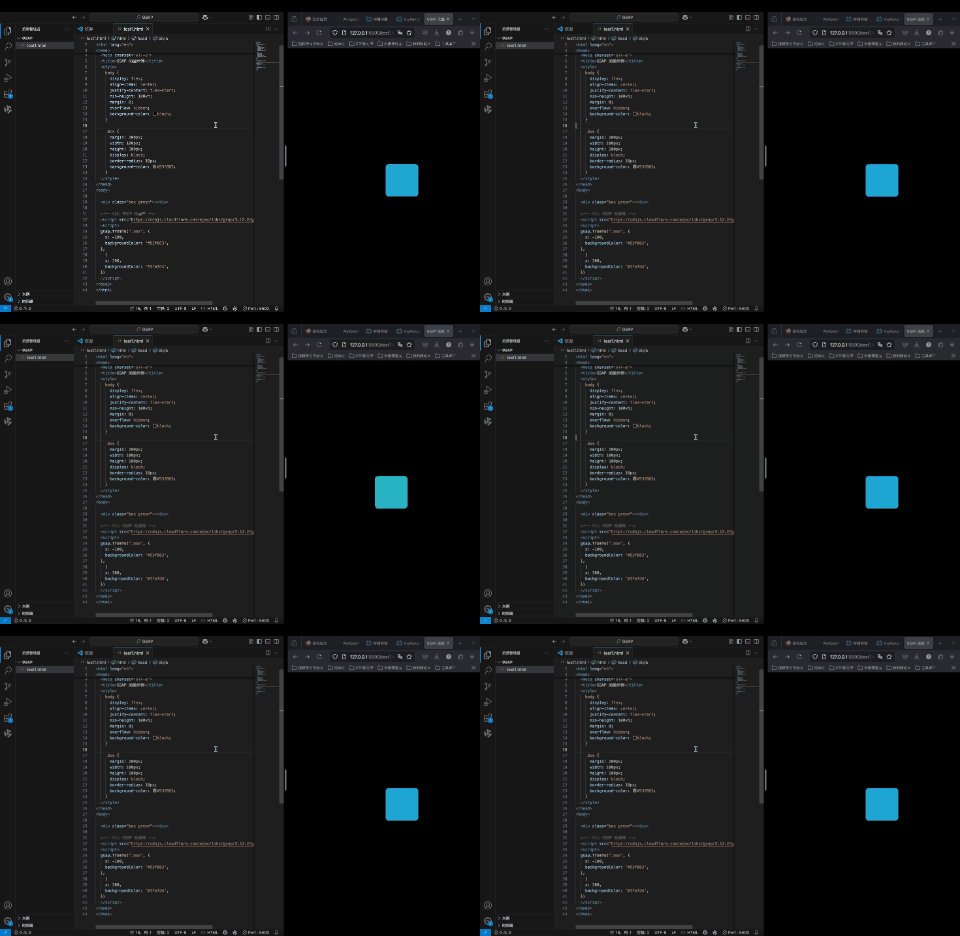
gsap.fromTo(".box", {
  x: -100,cfd2
  backgroundColor: '#53f863',
},
  {
  x: 100,
  backgroundColor: '#1fa7d4',
});
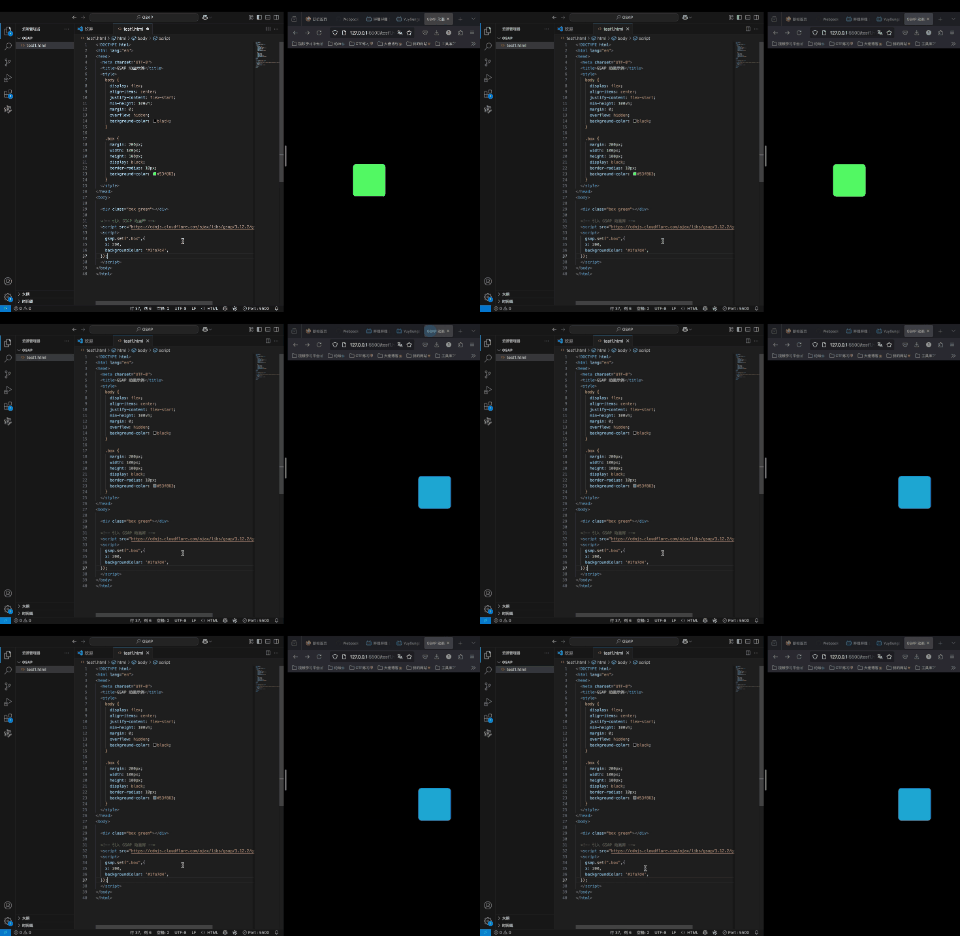
gsap.set
gsap.set(".box",{
  x: 200,
  backgroundColor: '#1fa7d4',
});
目标元素target
用来向GSAP指定变化的元素
GSAP在底层实际上是使用了document.querySelector( )去选择元素,所以你可以用任何css选择器进行元素的选择。或者你也可以直接传入一个DOM元素或者一个数组:
// 使用类名或者id名,其实css选择器都可以
gsap.to(".box", { x: 200 });

// 复杂一些的css选择器
gsap.to("section > .box", { x: 200 });

// 一个变量,其实是把获取到的DOM元素直接传进去
let box = document.querySelector(".box");
gsap.to(box, { x: 200 })

// 可以把dom元素放到数组里面一起传入
let square = document.querySelector(".square");
let circle = document.querySelector(".circle");

gsap.to([square, circle], { x: 200 })
变化数据对象variables
设置一些动画变化相关的信息,比如duration动画时常、onComplete动画完成时的触发事件、repeat动画重复次数